Leftover Magics | AI Powered Android App
About the project
Date:
Aug 5, 2025
Client:
Home Production
Services:
UI/UX
Problem Statement
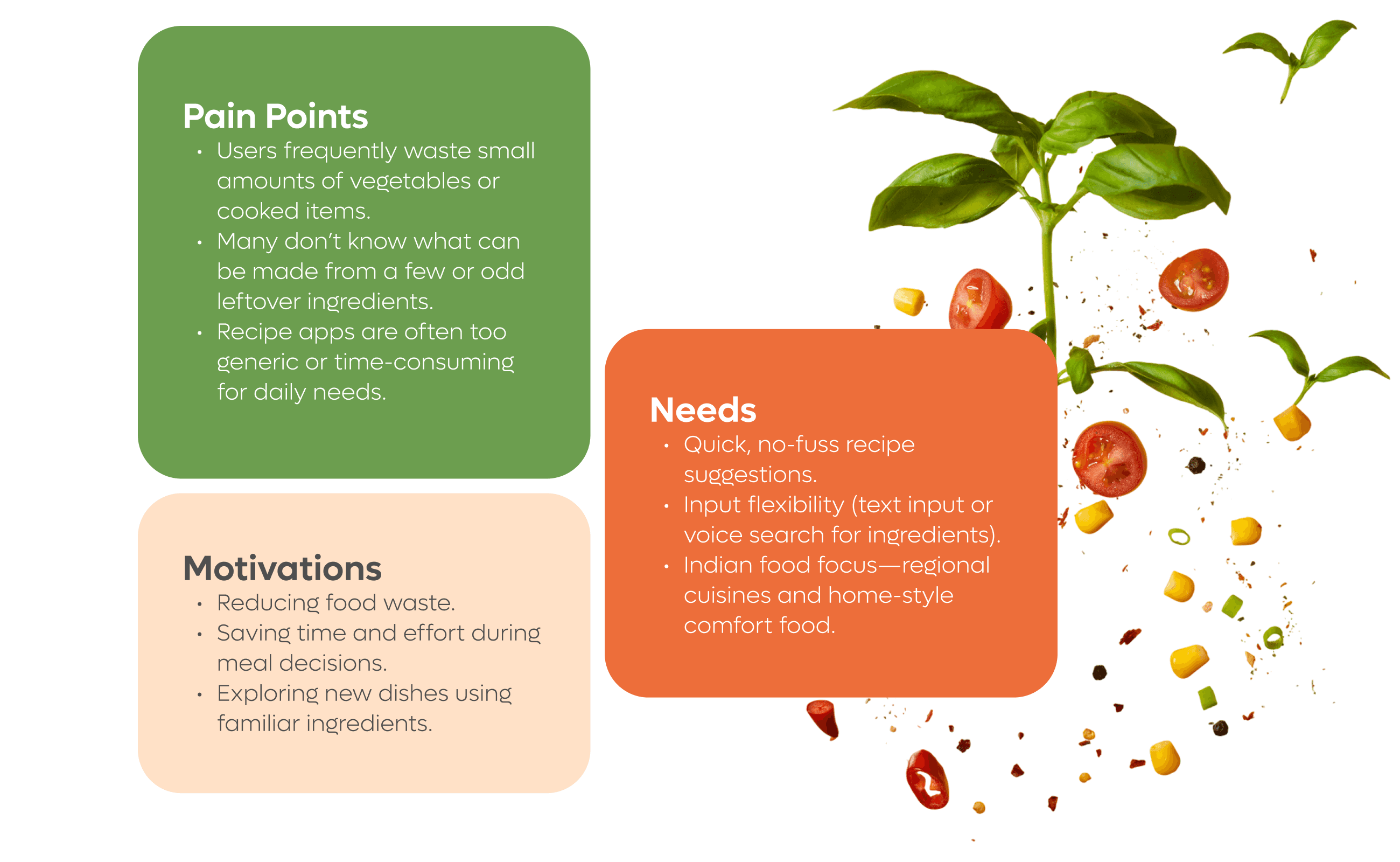
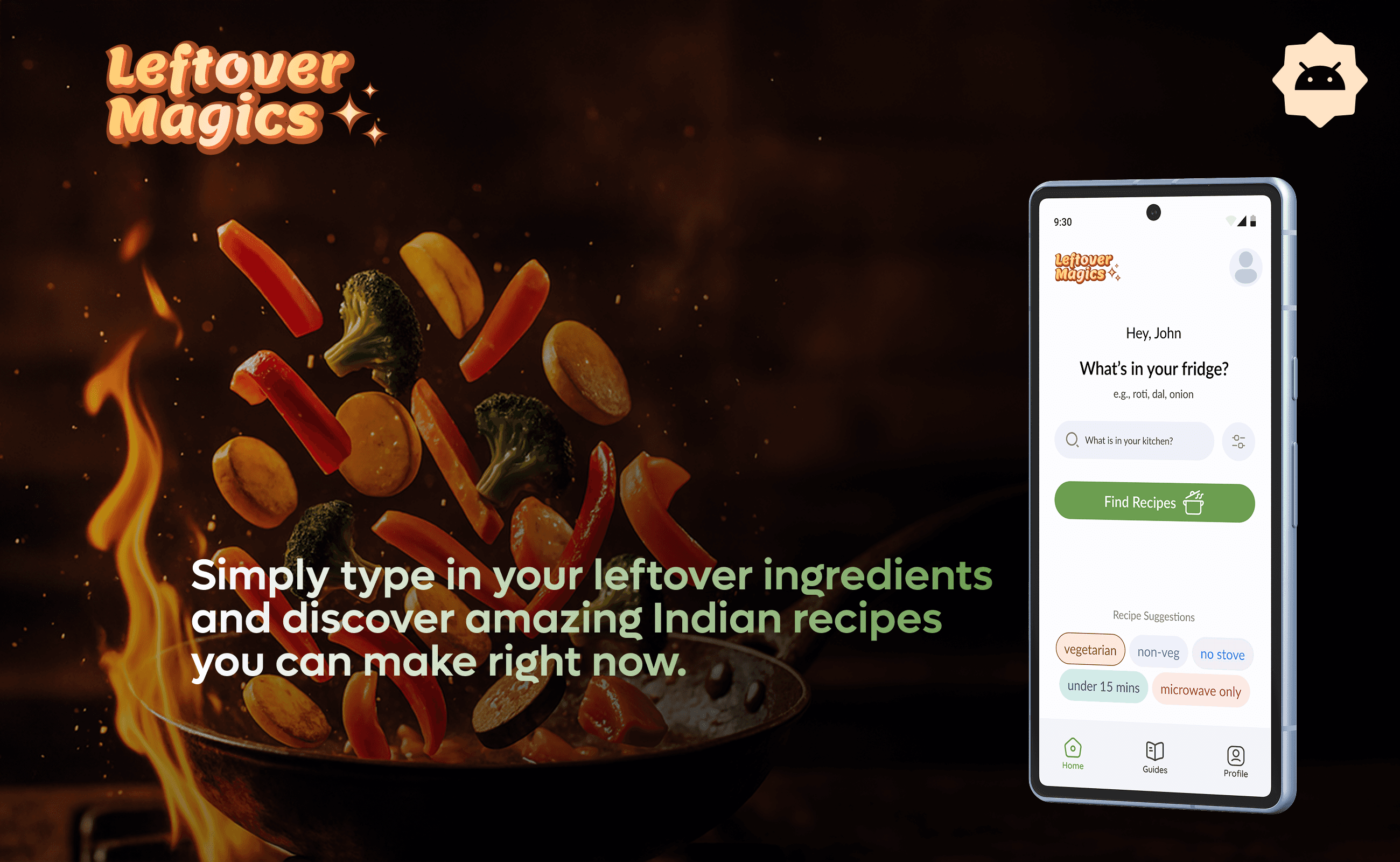
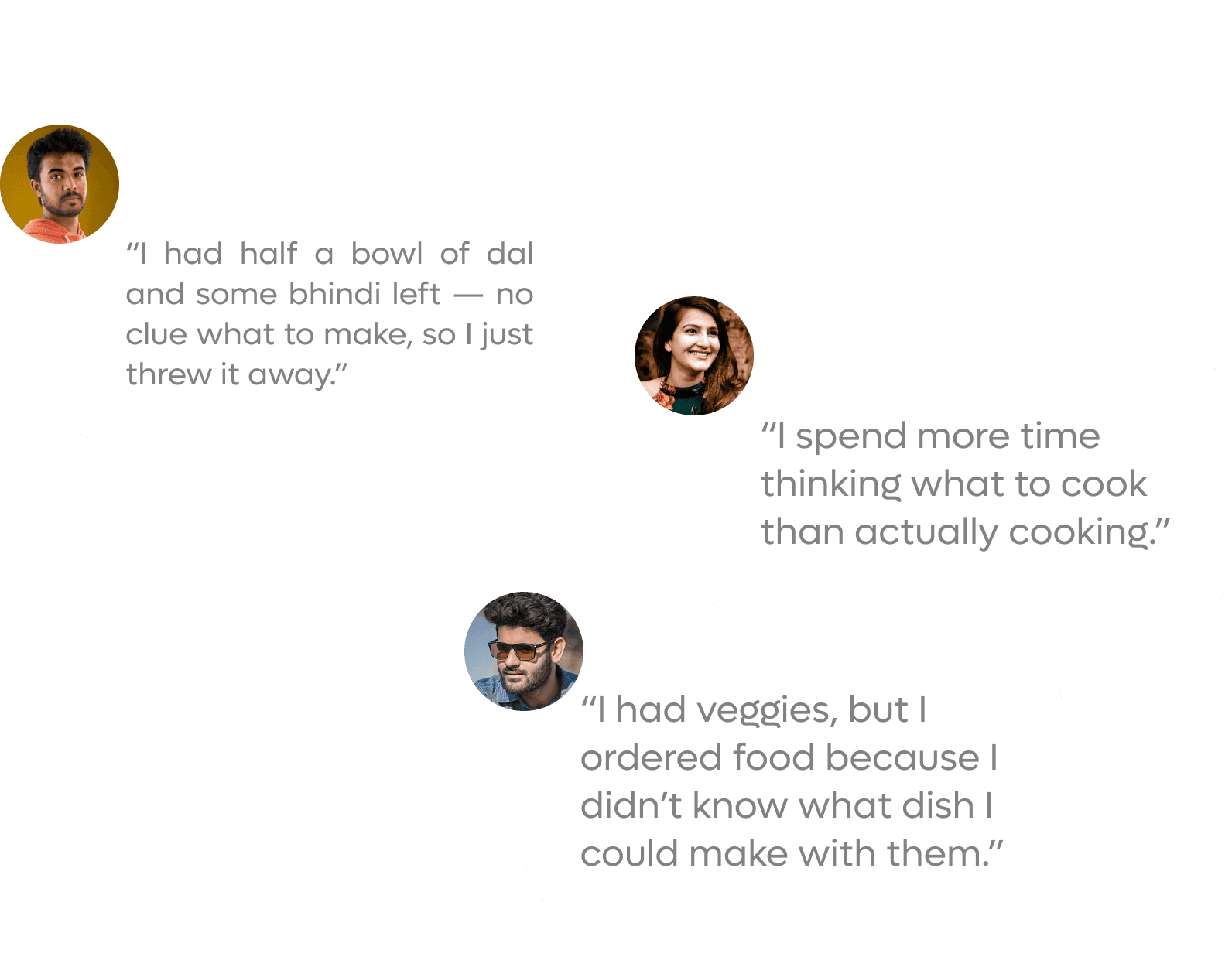
Every day, millions of Indians open their fridge or kitchen shelf, only to be greeted by a random assortment of leftover vegetables, lentils, or spices — and no idea what to cook.
Solution
To understand user needs, cooking habits, and pain points regarding food waste, meal prep, and leftover usage in Indian households. This insight will guide the development of an intuitive, AI-based app that suggests quick Indian recipes based on available ingredients.
Design Process
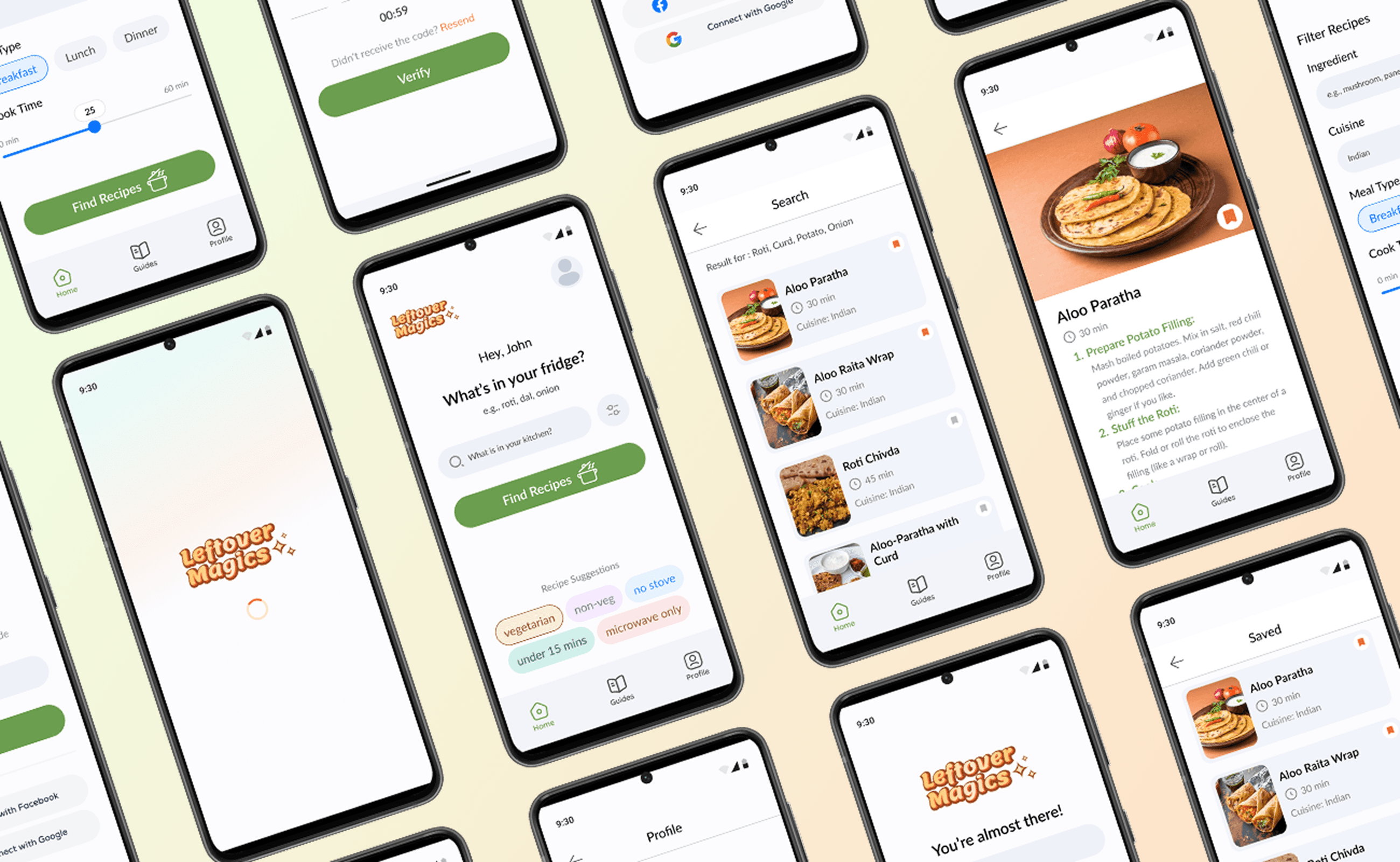
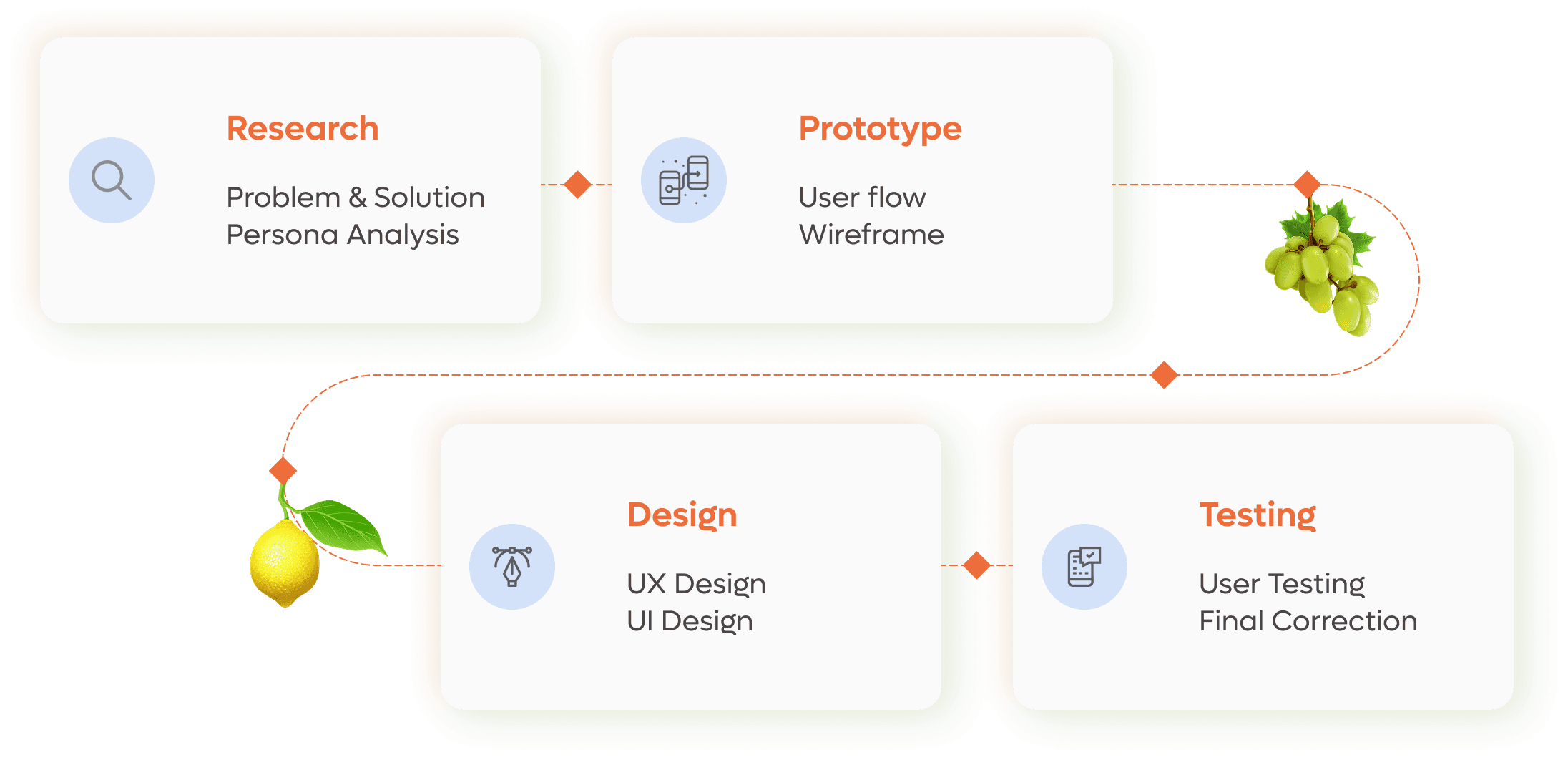
The design process of Leftover Magic recipe app focused on simplicity, user-friendliness, and aesthetics. From wireframing to prototyping, we emphasized intuitive navigation, engaging visuals, and seamless interactions, ensuring users quickly discover creative recipes from their available ingredients.
User Flow
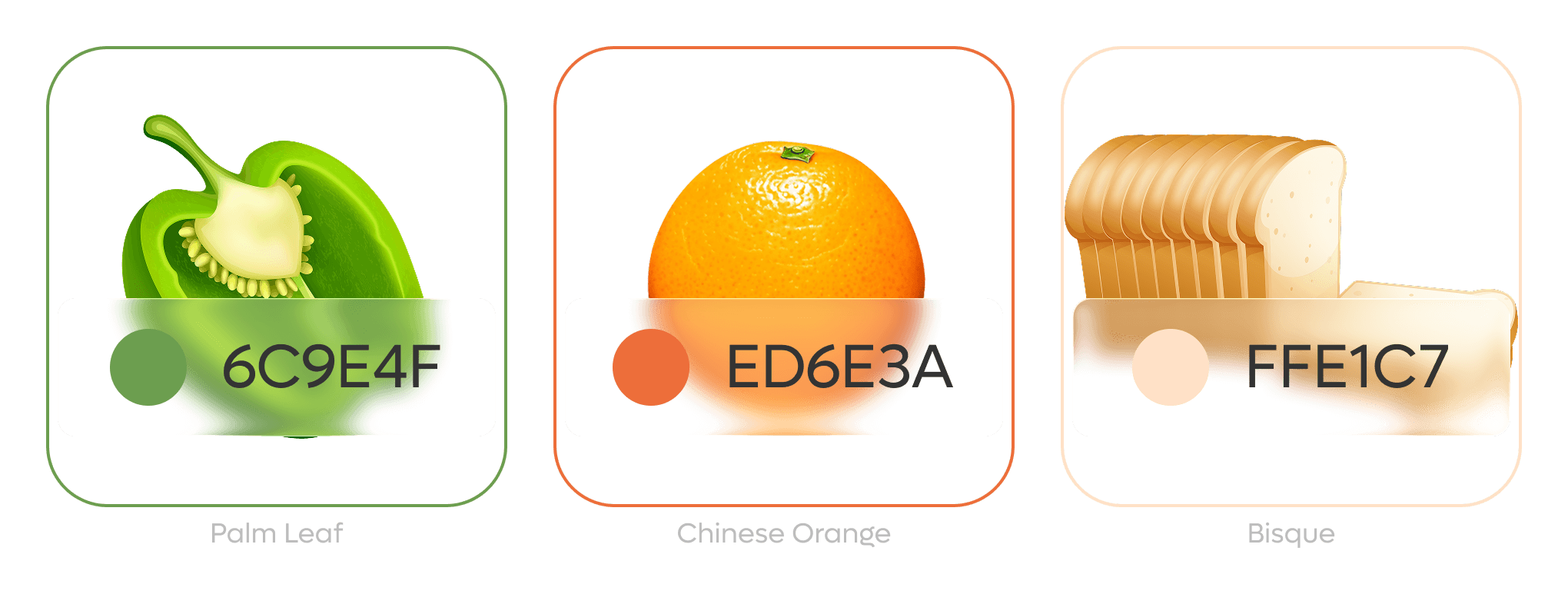
Color Palette
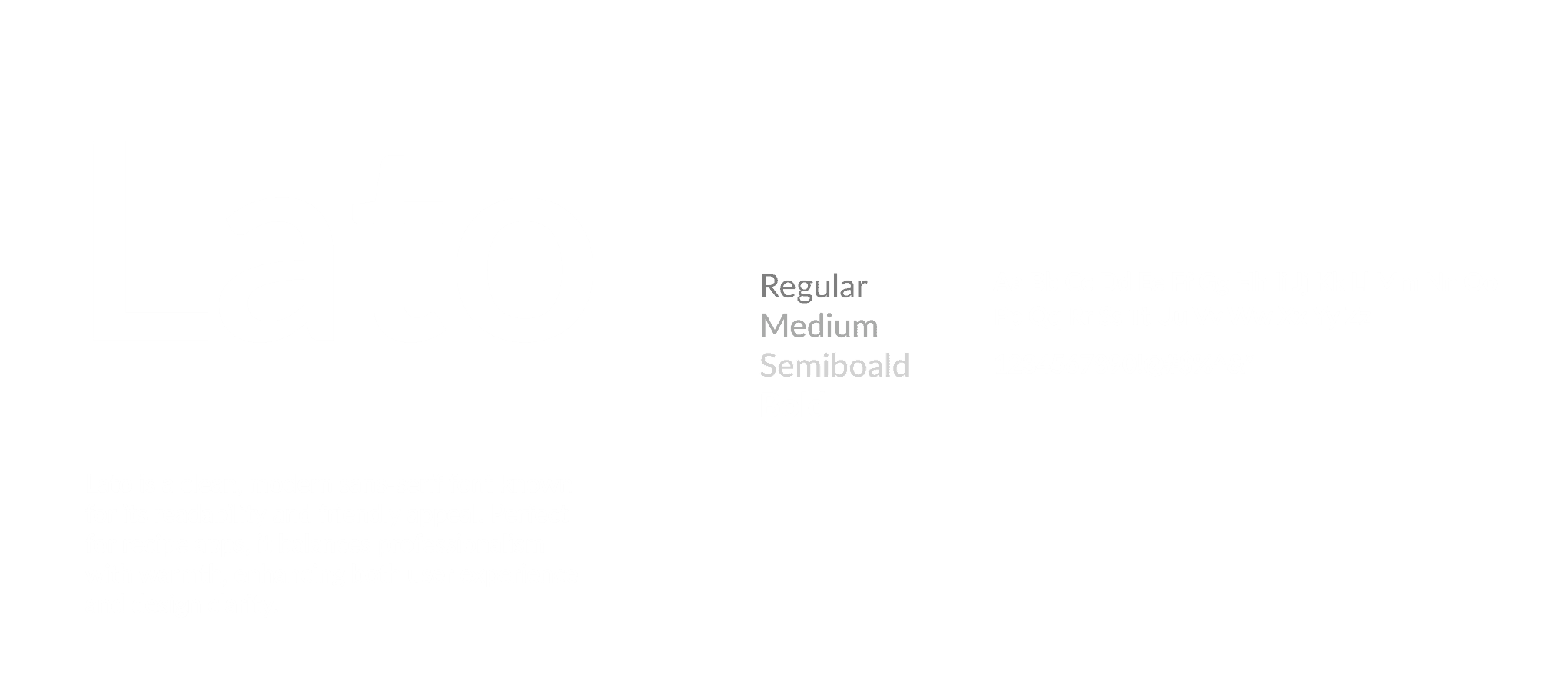
Typography
App Development Case Study
When designing Leftover Magics, my goal was to address a common user pain point: wasting food at home due to not knowing what to cook with leftover ingredients.
I started by identifying the core frustrations of busy students, working professionals, and home cooks who often lack time, culinary ideas, or patience to experiment in the kitchen. Based on this, I designed a clean, intuitive interface that makes recipe discovery both effortless and enjoyable.
Key design and development decisions included:
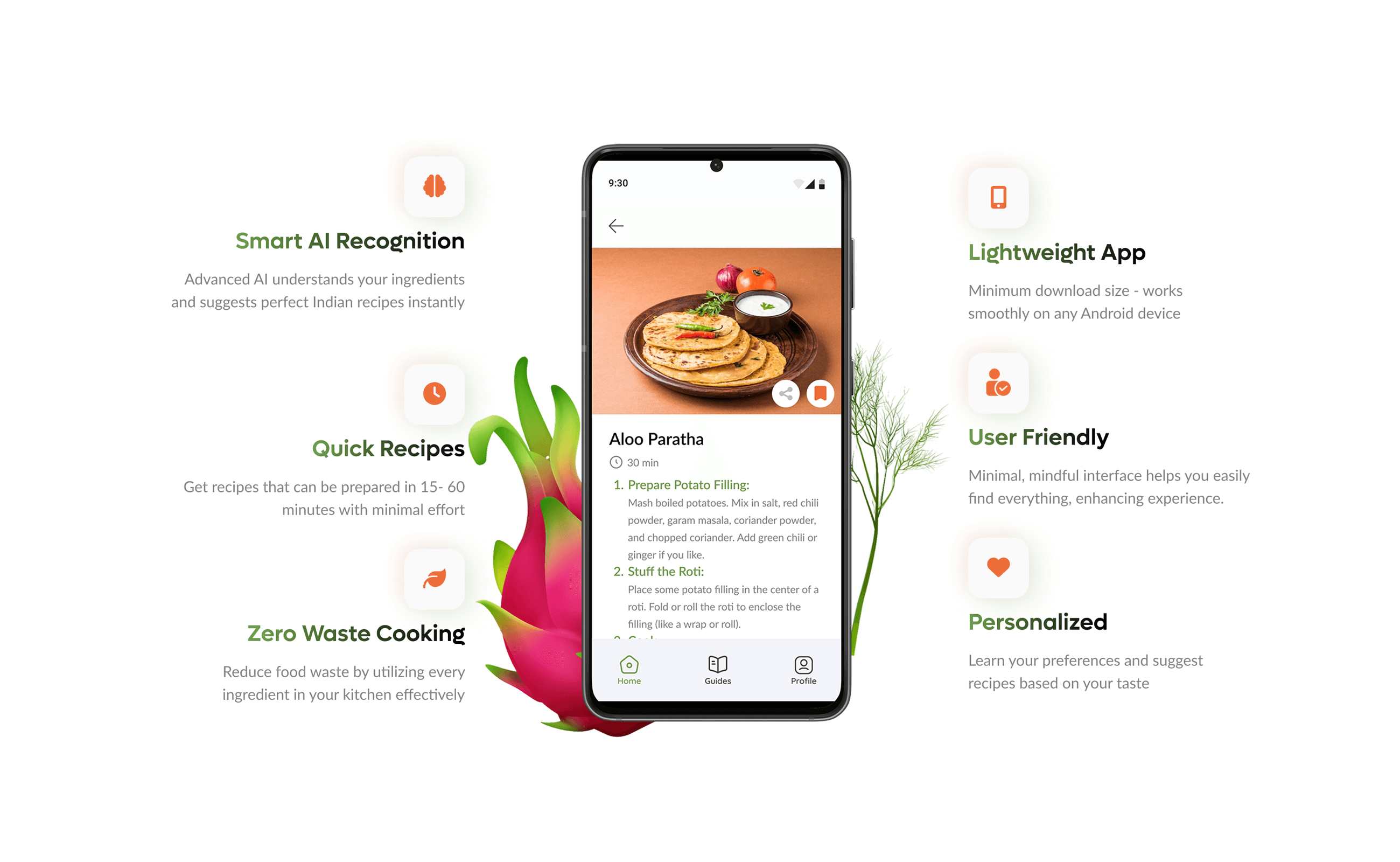
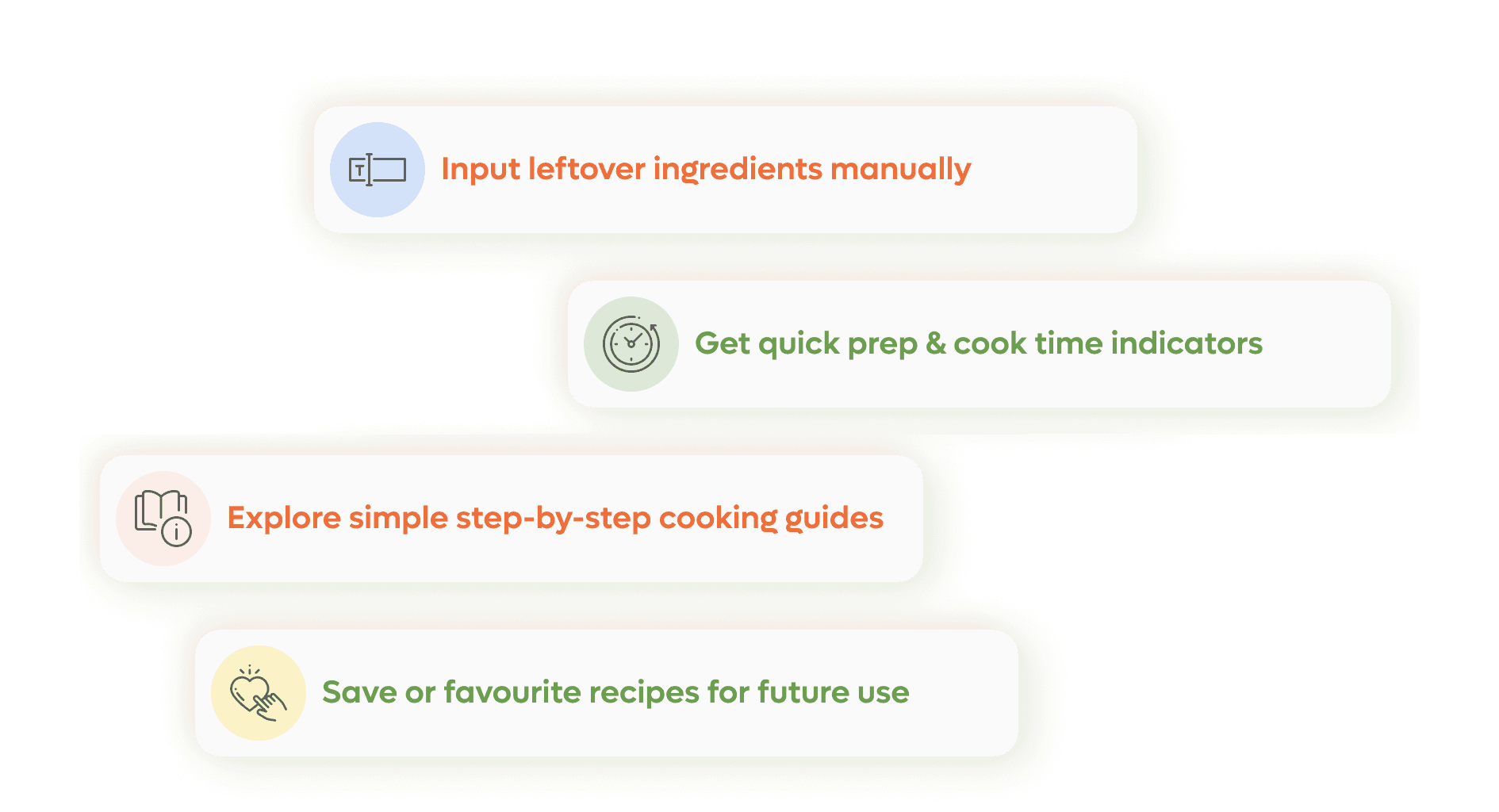
Manual Ingredient Input – A streamlined entry system that allows users to quickly type in or select their leftover ingredients without friction.
Prep & Cook Time Indicators – A clear, visual way for users to know how long a recipe will take, helping them make decisions instantly.
Step-by-Step Cooking Guides – Simple, structured instructions presented in a minimal format for stress-free cooking, even for beginners.
Save & Favourite Recipes – Personalized features that let users build their own recipe collection for future use.
From a development standpoint, I focused on performance and accessibility, ensuring the app runs smoothly on all devices, with lightweight interactions and a responsive layout. The design language incorporates bright, energetic color accents to make the experience fun while maintaining a clean, modern feel for clarity.
Tools Used
Figma (UI/Prototyping)
Illustrator (Icons)
Adobe Photoshop (Graphics)