CreArtive Mobile App - UI/UX
About the project
Date:
Jan 14, 2025
Client:
Concept Design
Services:
UI/UX
Problem Statement
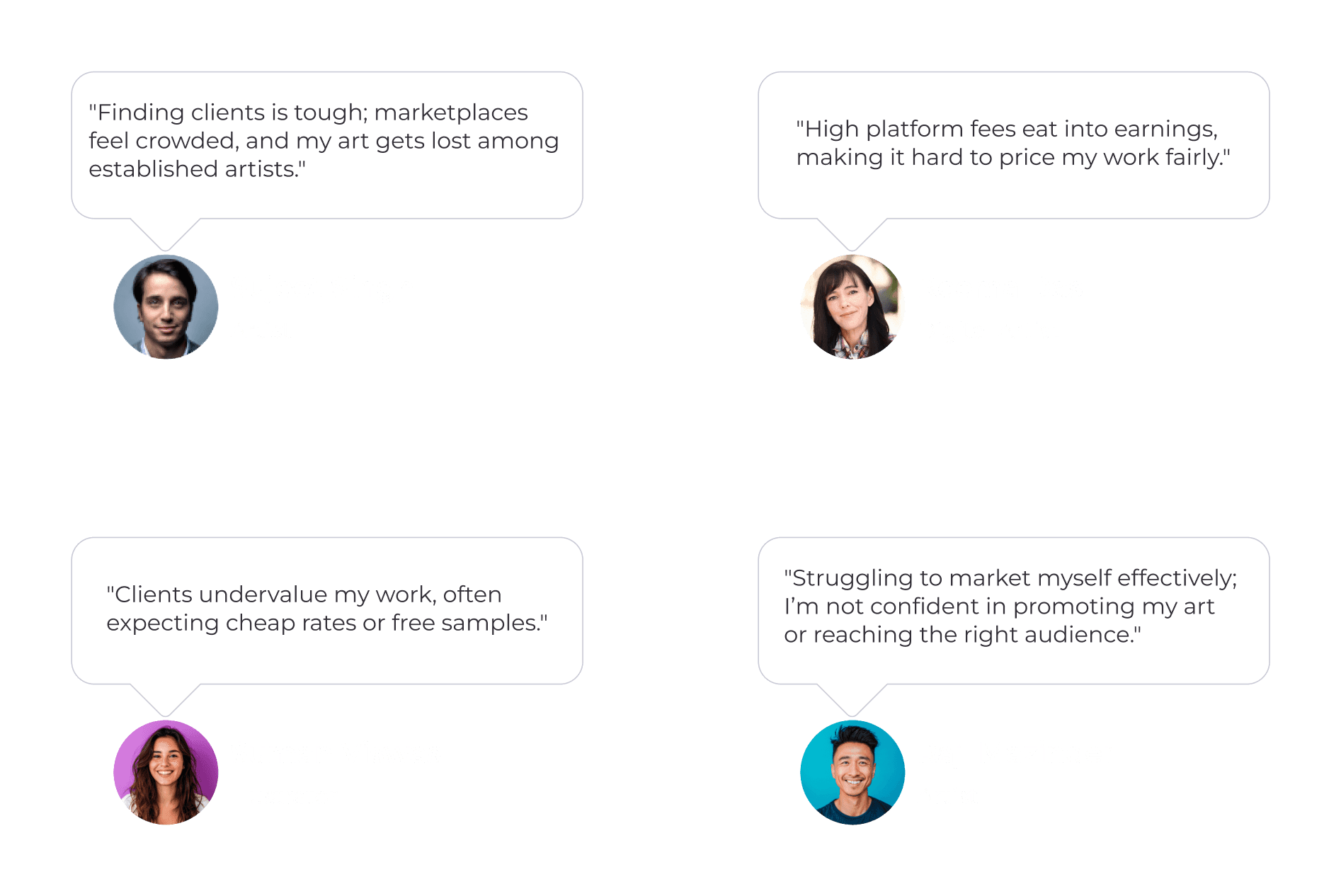
Emerging artists often lack affordable, credible platforms to showcase their creativity and secure fair opportunities. Simultaneously, clients struggle to discover genuine, skilled talent within budget. This disconnect creates missed opportunities, limited visibility, and a lack of trust between artists and clients.
Solution
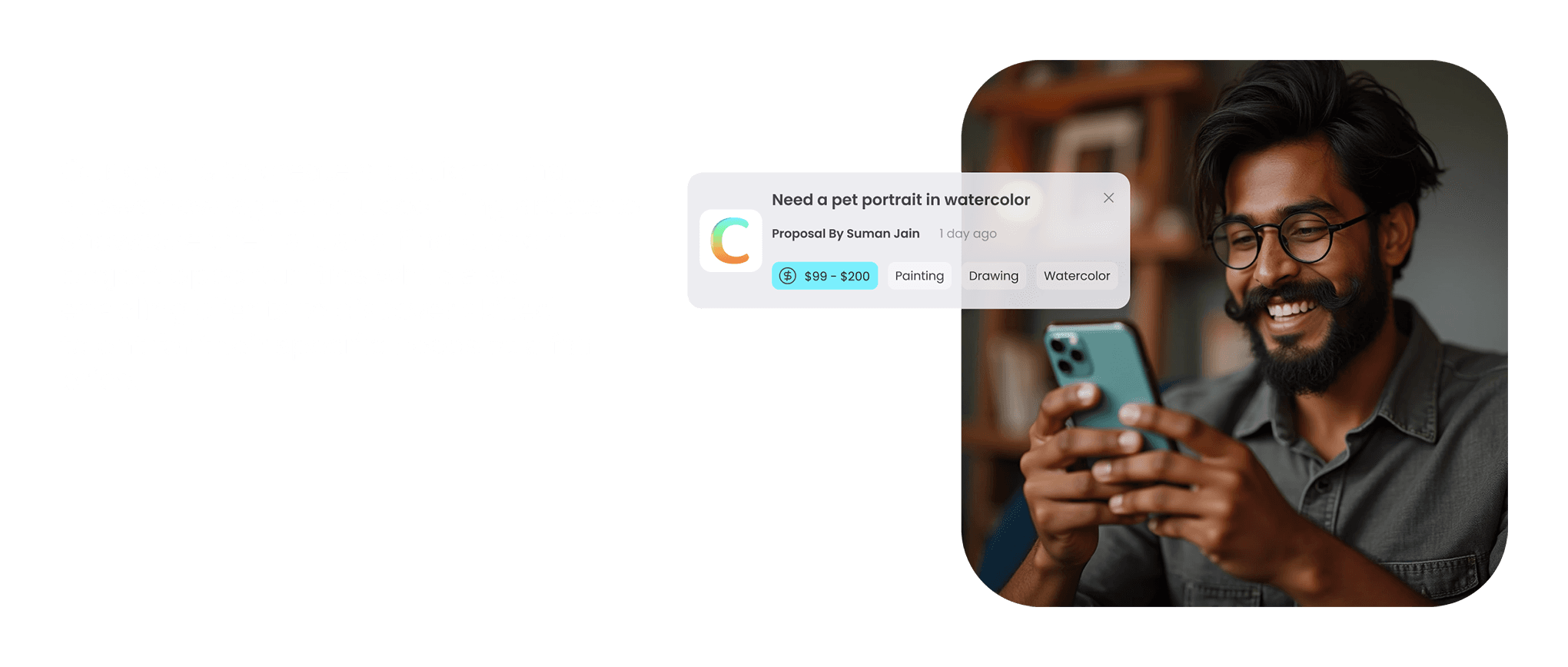
CreArtive bridges this gap by offering a portfolio-first platform where artists display work, access tailored opportunities, and build credibility. Clients gain smart search tools, transparent pricing, and secure collaboration, ensuring trustworthy, fair connections that empower creativity and fulfill diverse project needs.
Goal
User Flow
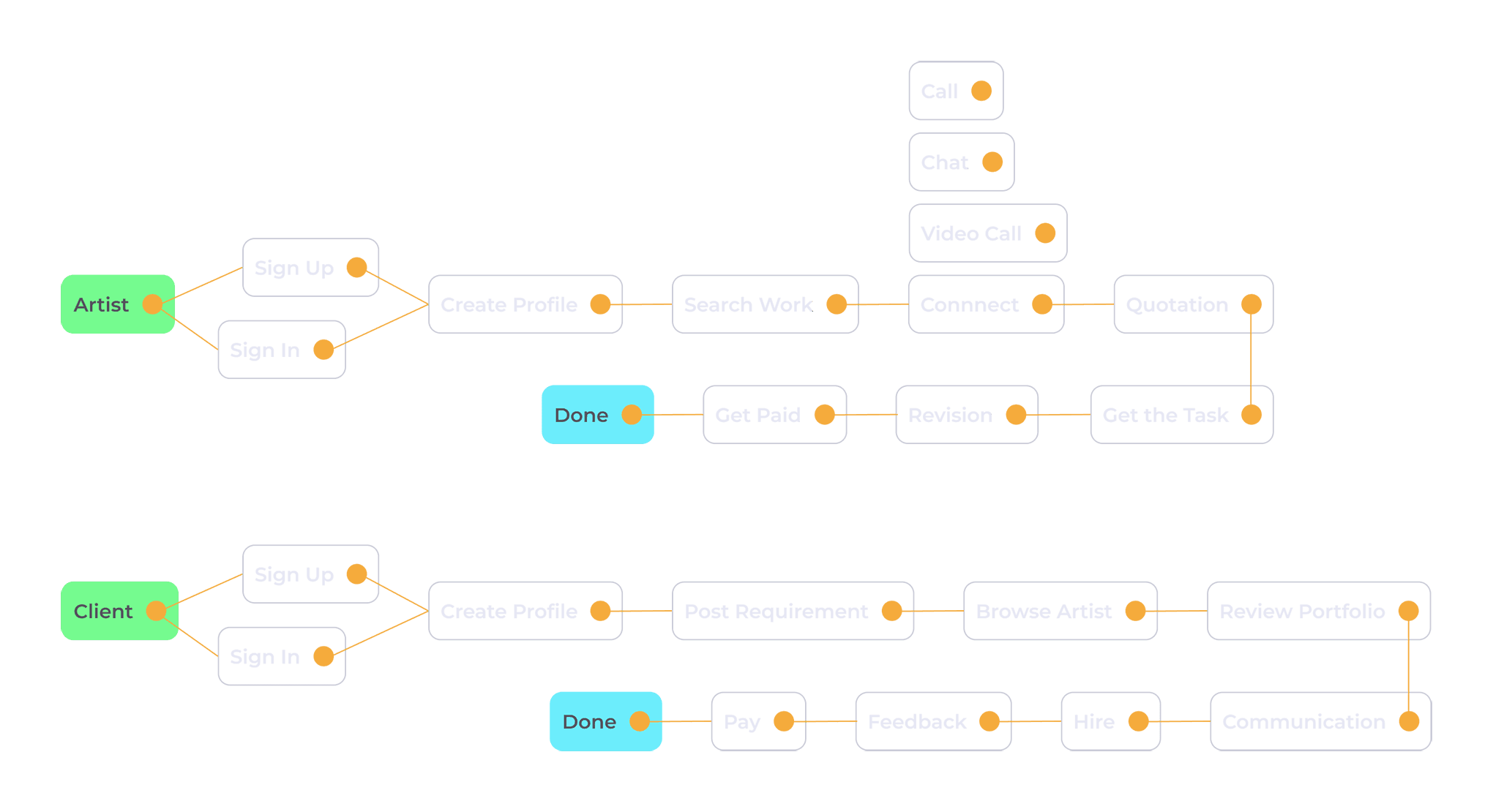
App Development Case Study
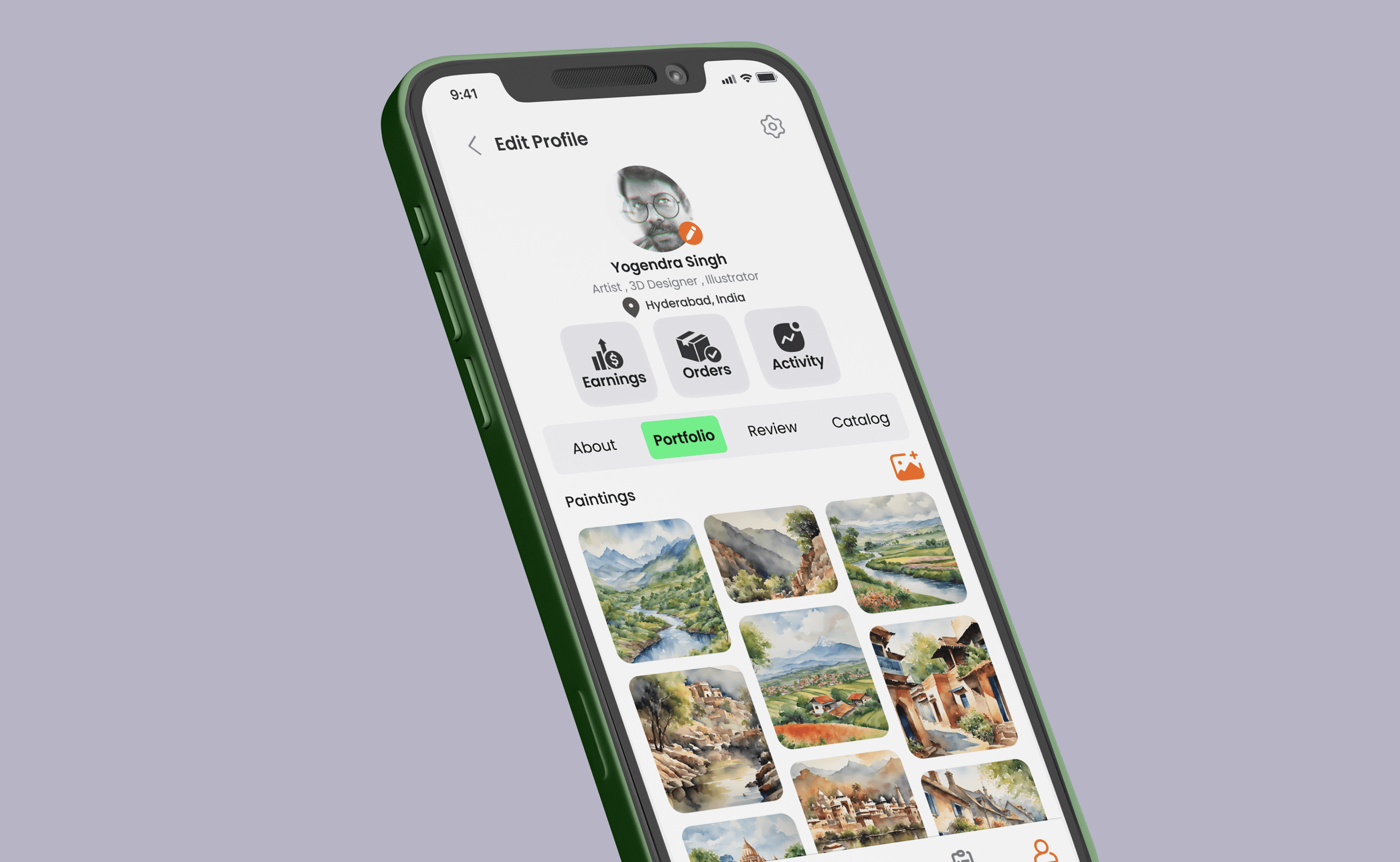
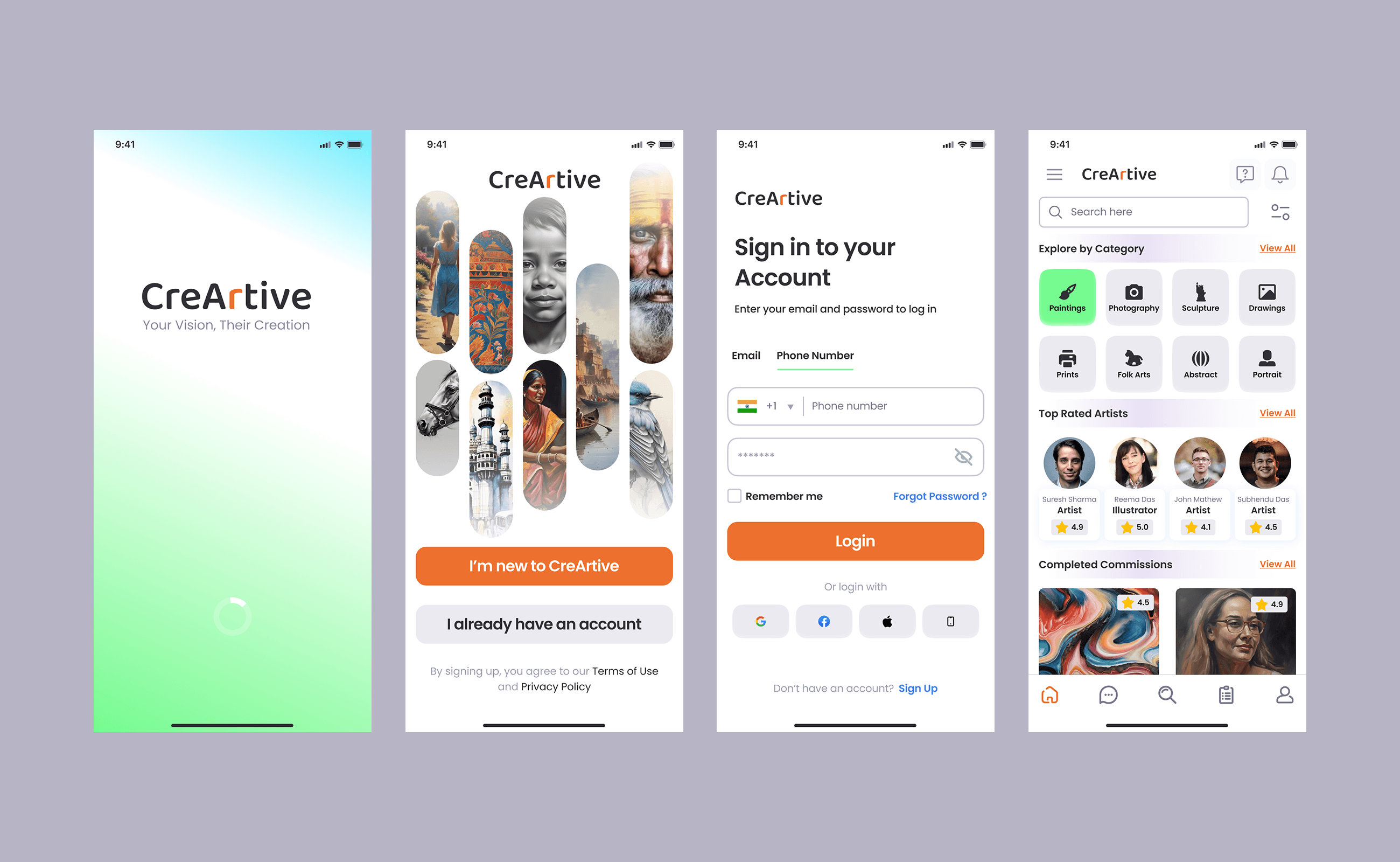
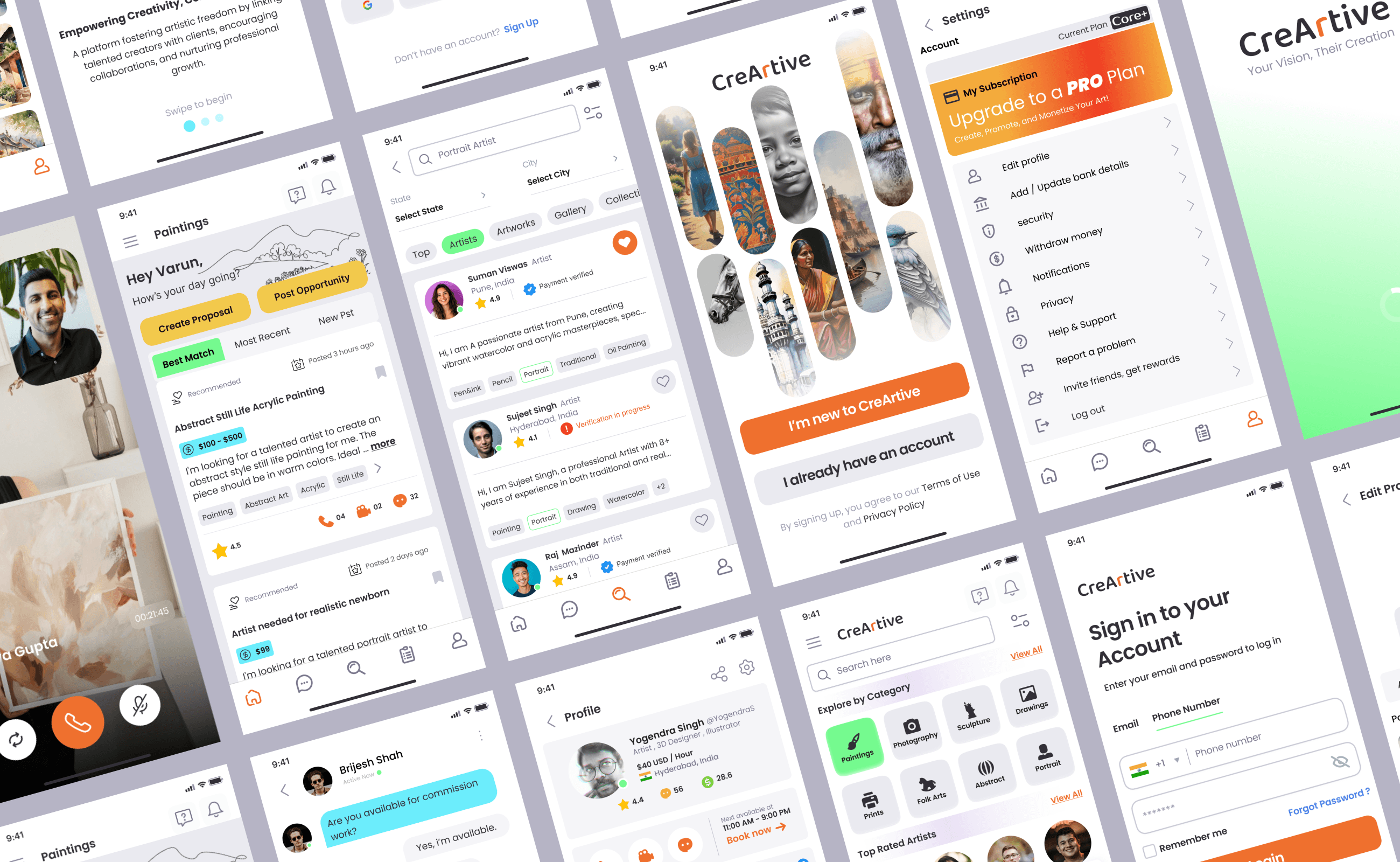
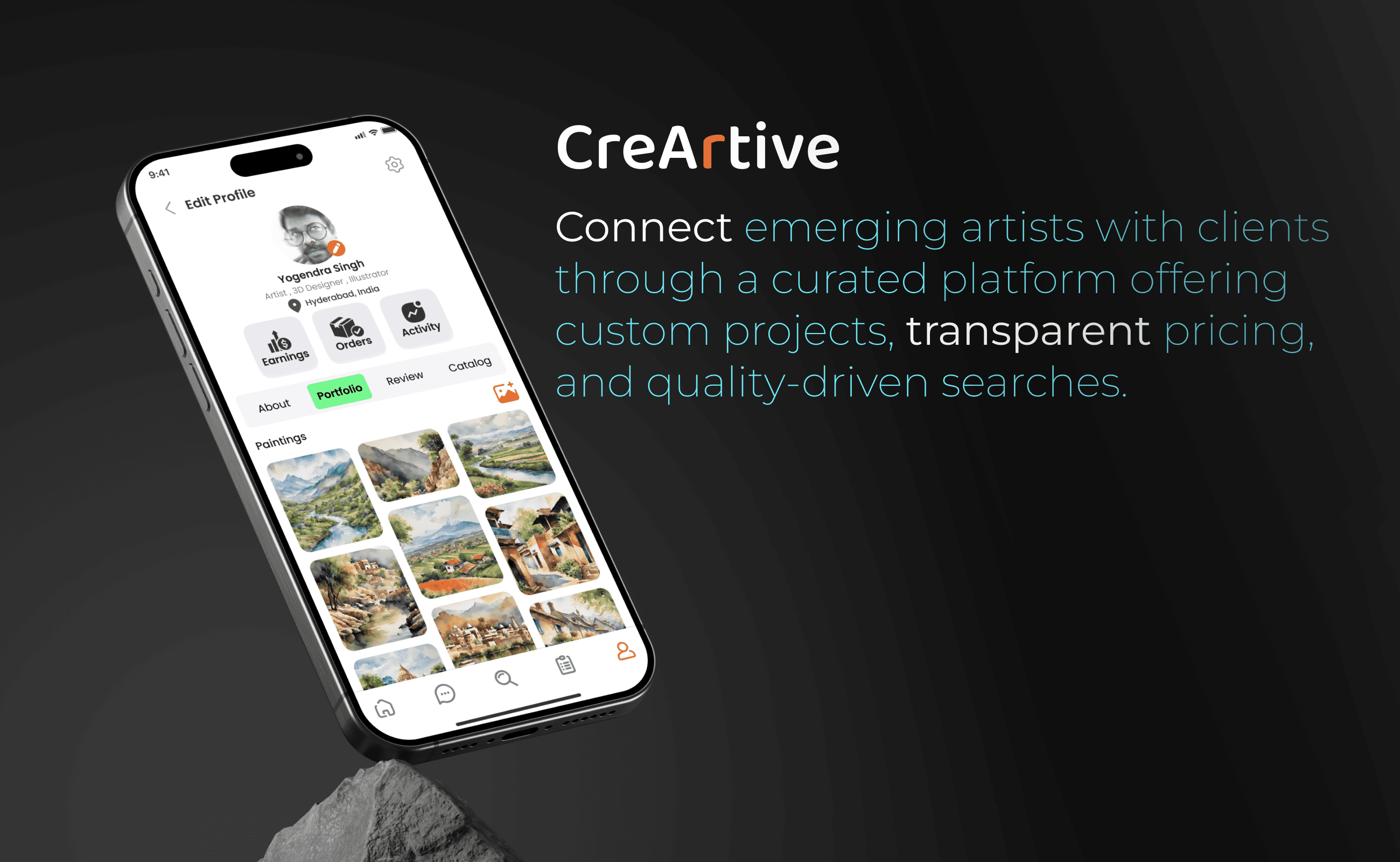
I designed CreArtive as a portfolio-first platform that highlights artists’ work visually and builds credibility through ratings and verification. I introduced smart project-matching tools and transparent pricing to help clients find the right talent quickly. By integrating secure payments, direct collaboration features, and community engagement, the platform creates a trustworthy ecosystem that empowers artists while making it simple for clients to hire skilled creators fairly.
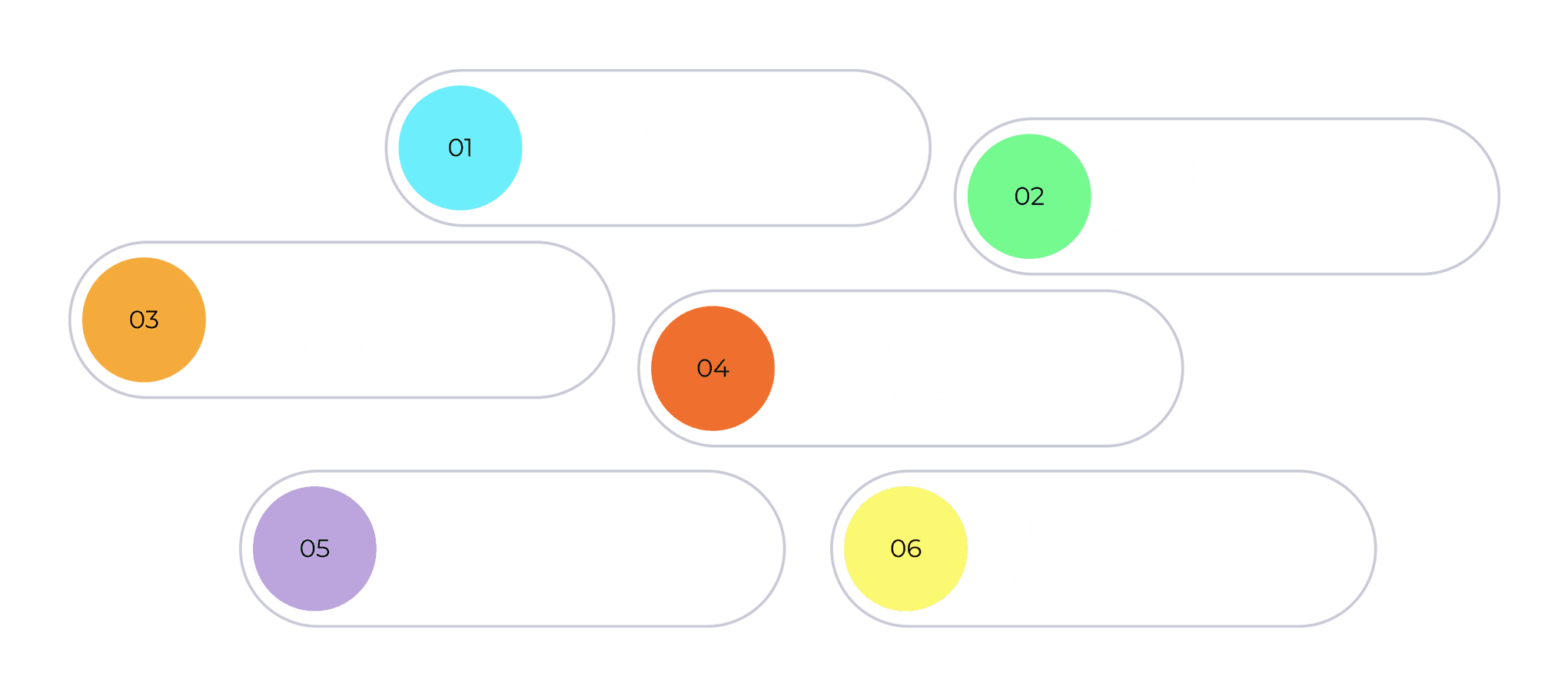
Visual Design
Style Guide:
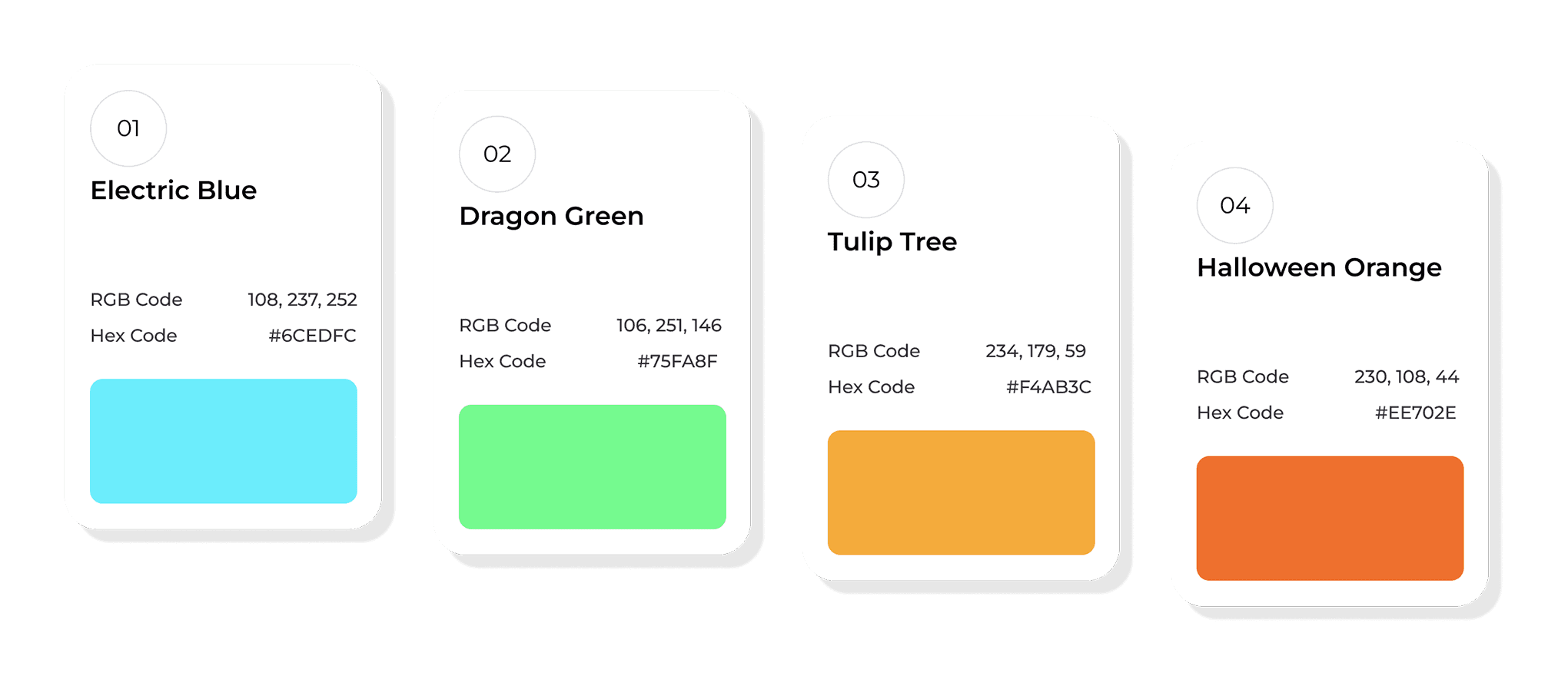
Color Palette: Vibrant but professional (gradient mixes of teal, purple, orange).
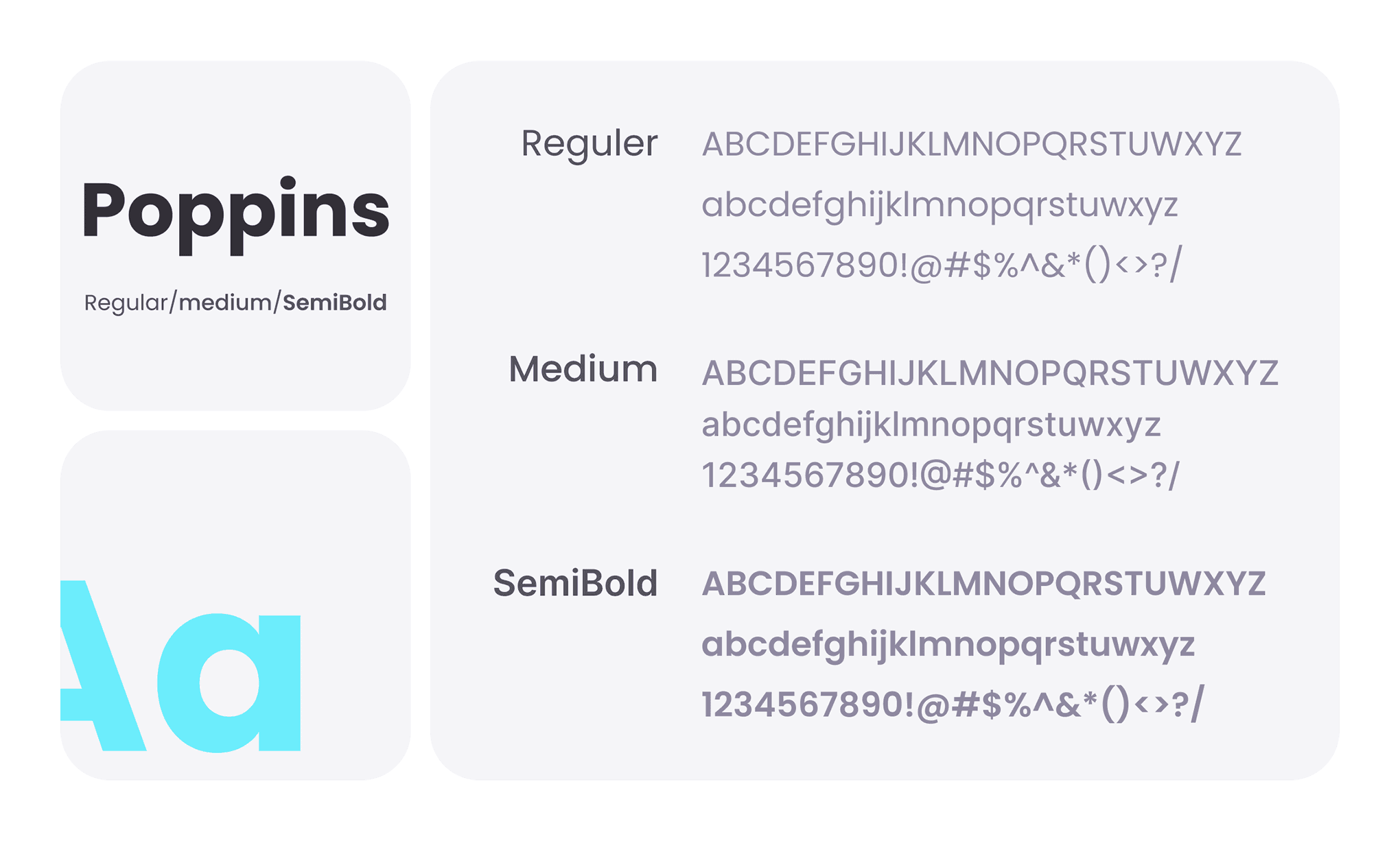
Typography: Clean sans-serif (Poppins).
UI Elements: Rounded cards, minimal shadows, bold imagery.
Colour Palette
Typefaces
Features & Functionality
Portfolio uploads (images, videos, 3D).
Review & rating system.
Direct messaging & collaboration.
Community features (discussion boards, featured artists).
Final Outcome
CreArtive successfully delivers a platform that balances visibility for artists and convenience for clients. The design prioritizes visual storytelling, trust-building features, and fair collaboration.
Impact (Projected):
40% faster client-artist match vs generic freelancing sites.
Increased exposure for emerging artists by featuring them in curated feeds.
Tools Used
Figma (UI/Prototyping)
Illustrator (Icons)
Adobe Photoshop (Graphics)